Tutorial 1
How to follow a tour
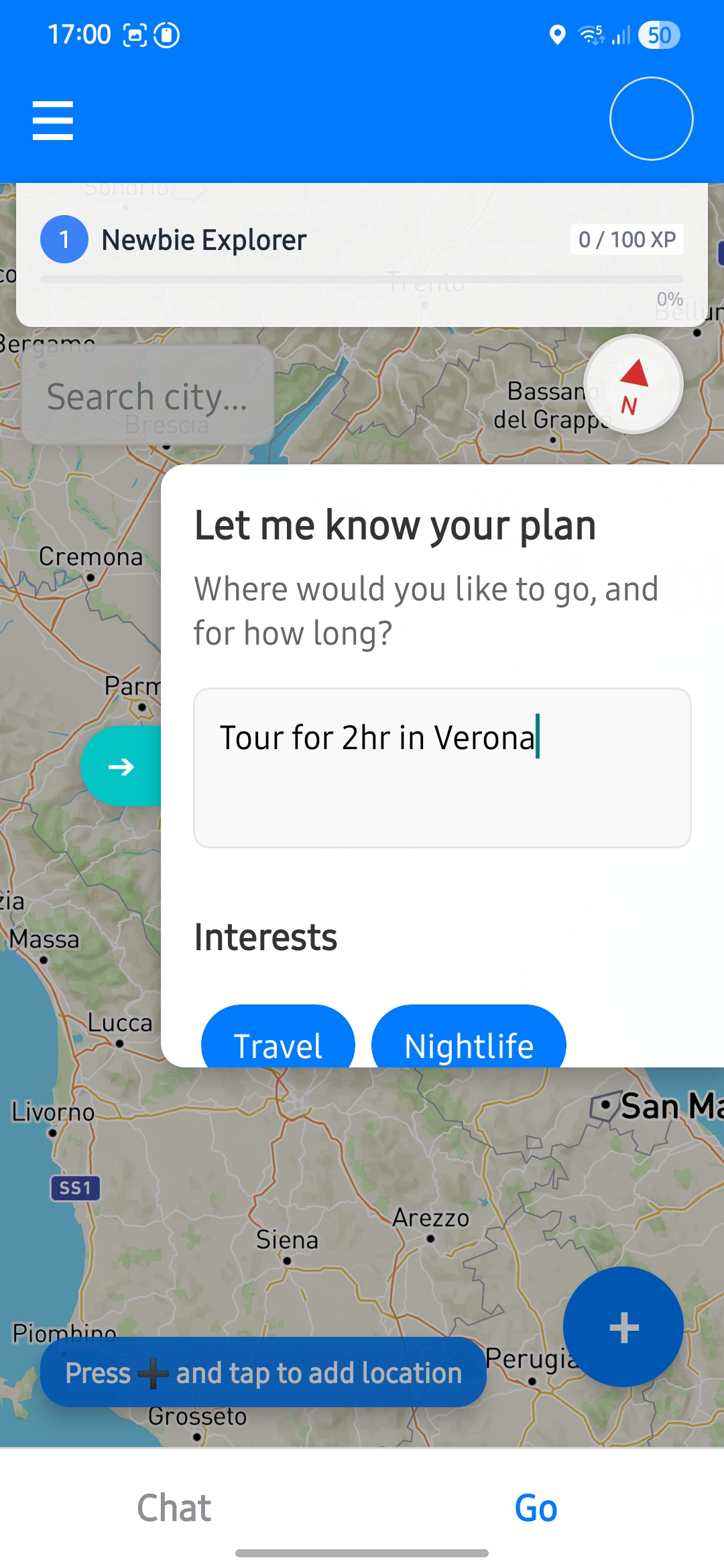
Ask for a tour
Set duration, choose the city, and select interests so recommendations match your intent.
Clear inputs at this stage improve suggestion quality and reduce manual edits later.
Select start point
Choose where the tour begins, either manually or from your current position.
Pay attention: if the selected location is far from where the tour is being generated, it may fail to create a tour.
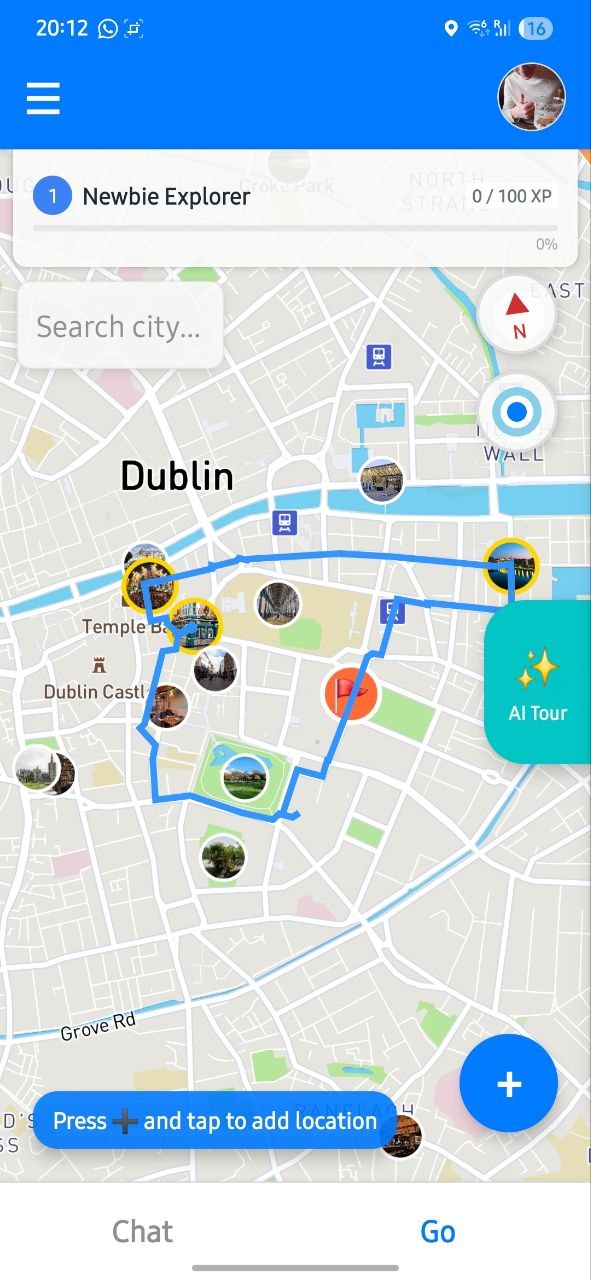
Review generated tour
The service returns a route you can follow immediately as your base plan.
Check stop order and timing before sharing it with your group.
If places do not appear immediately, wait a few seconds while content finishes loading.
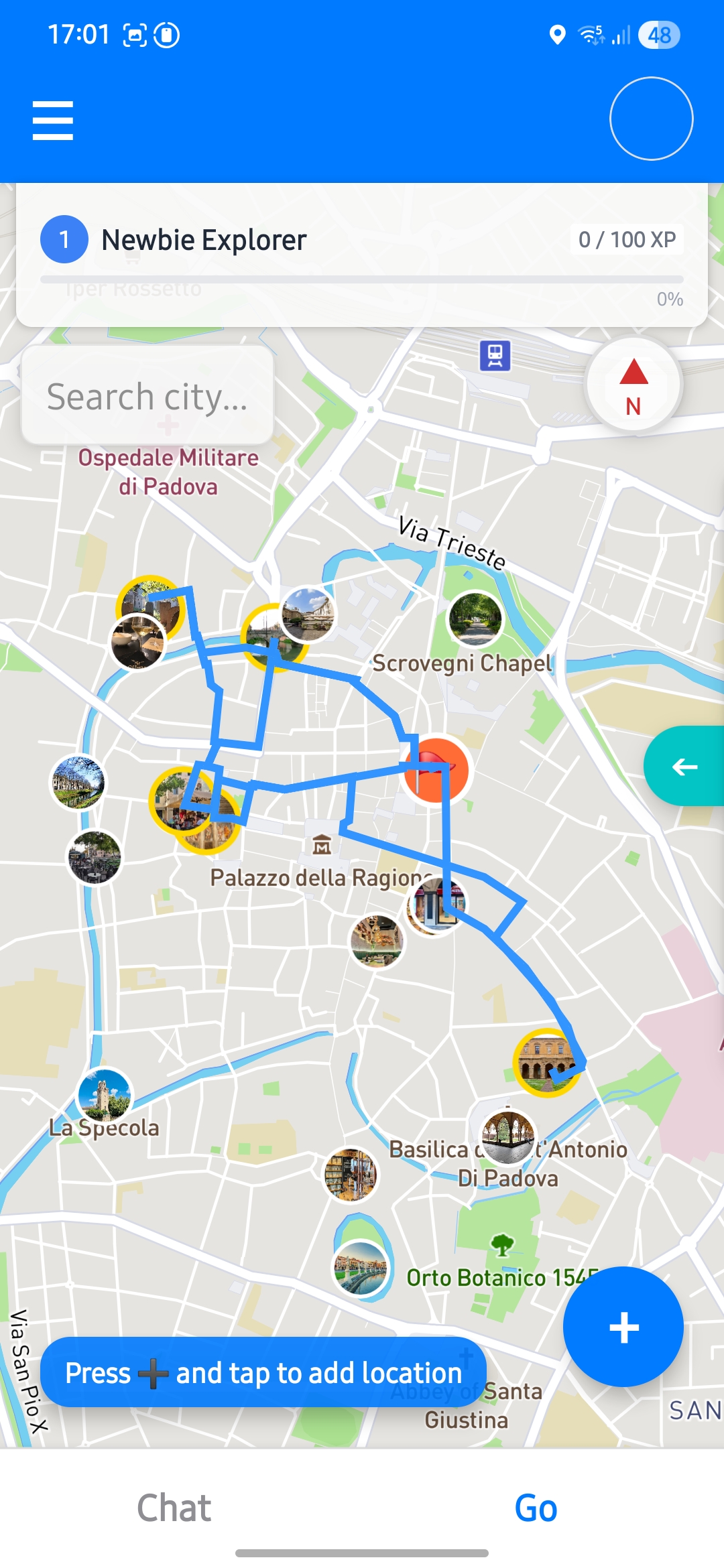
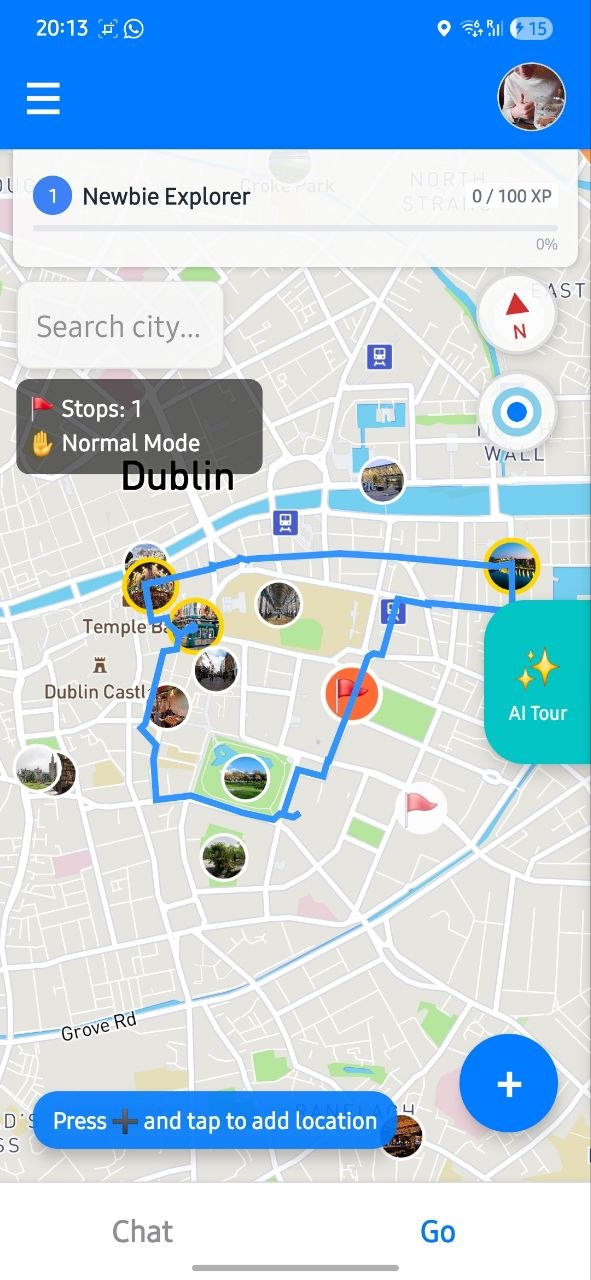
Edit route
Add new places or remove stops to better fit your available time and goals.
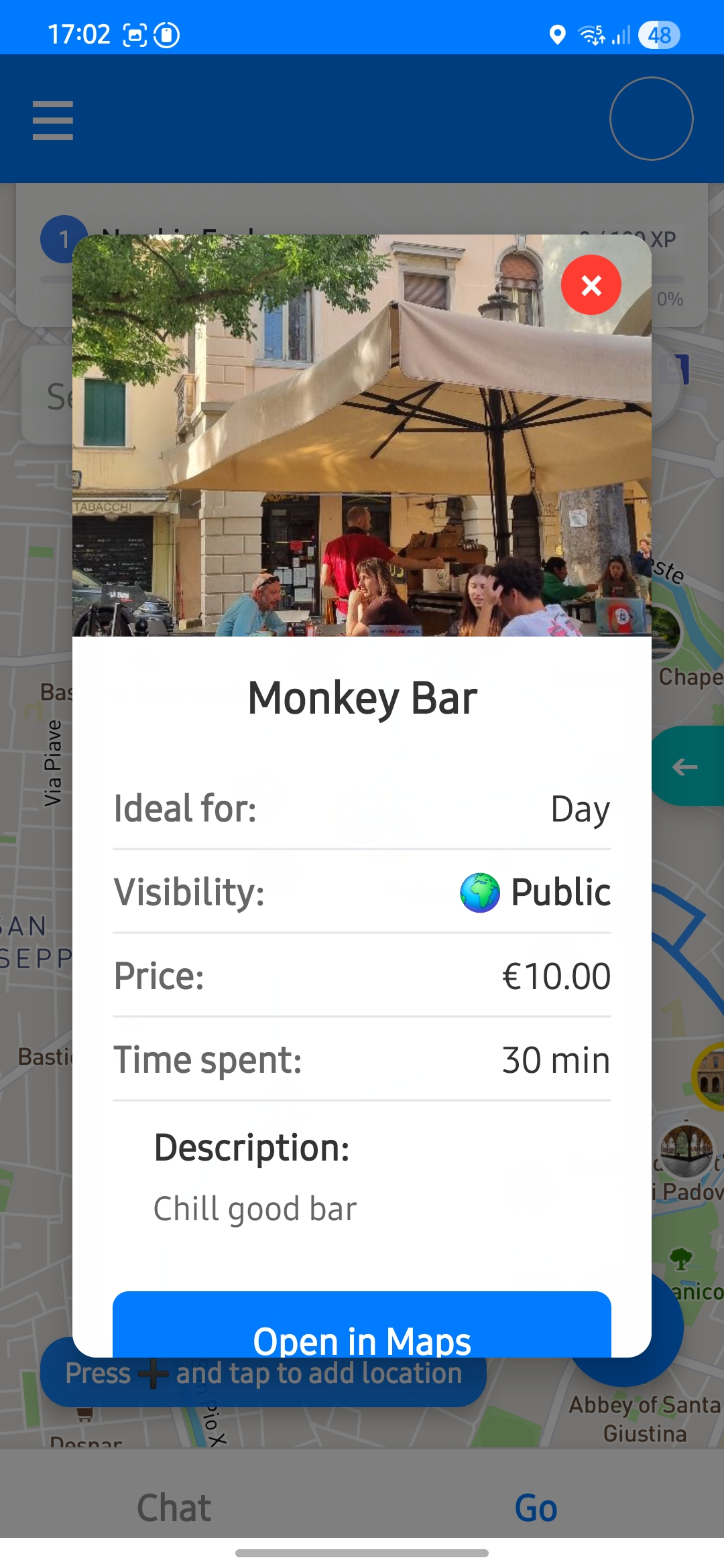
Check place details
Open detailed place info and leave a kudos when you like a recommendation.
This helps surface useful places and improves future recommendation signals.
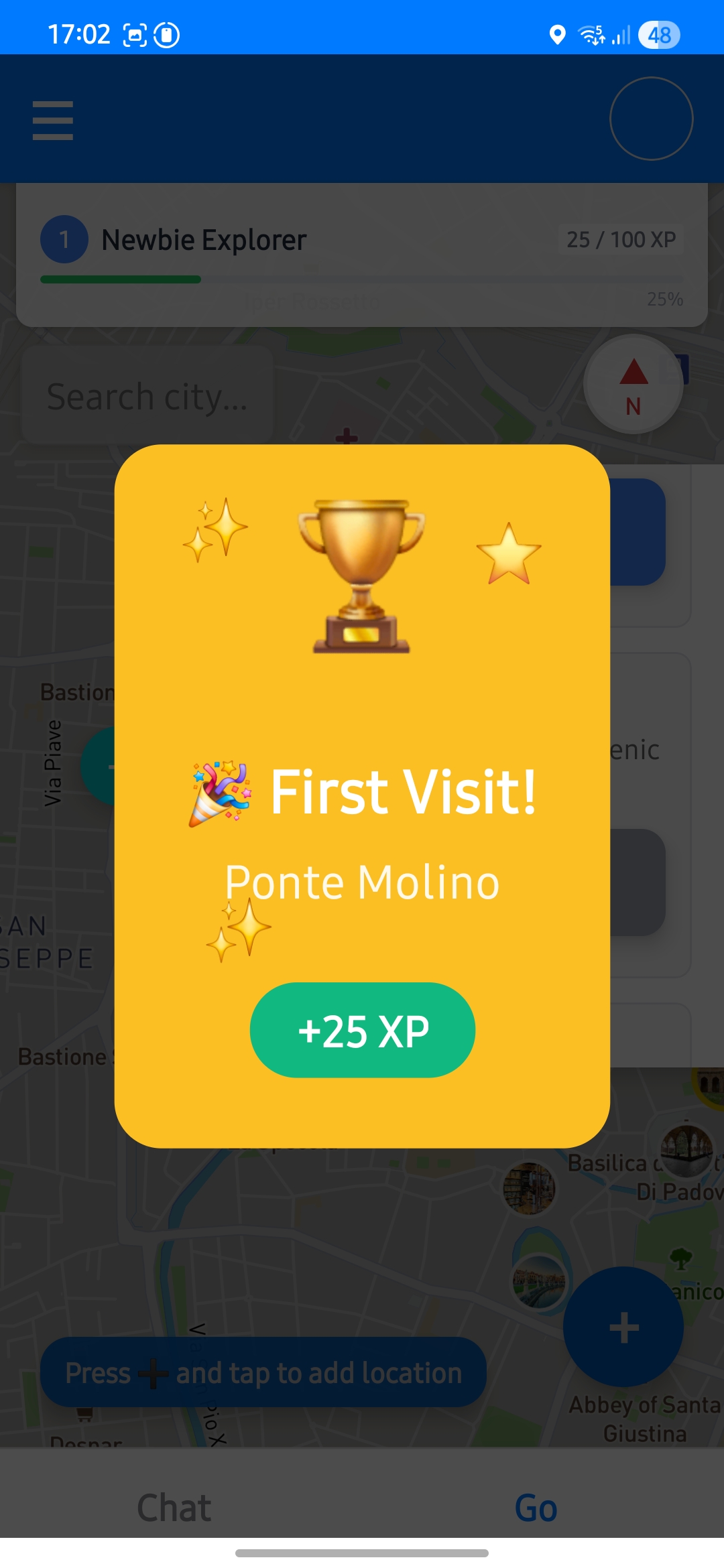
Track your XP
Gain XP while exploring tours and interacting with places inside the app.
XP offers quick progress feedback and keeps the experience engaging over time.
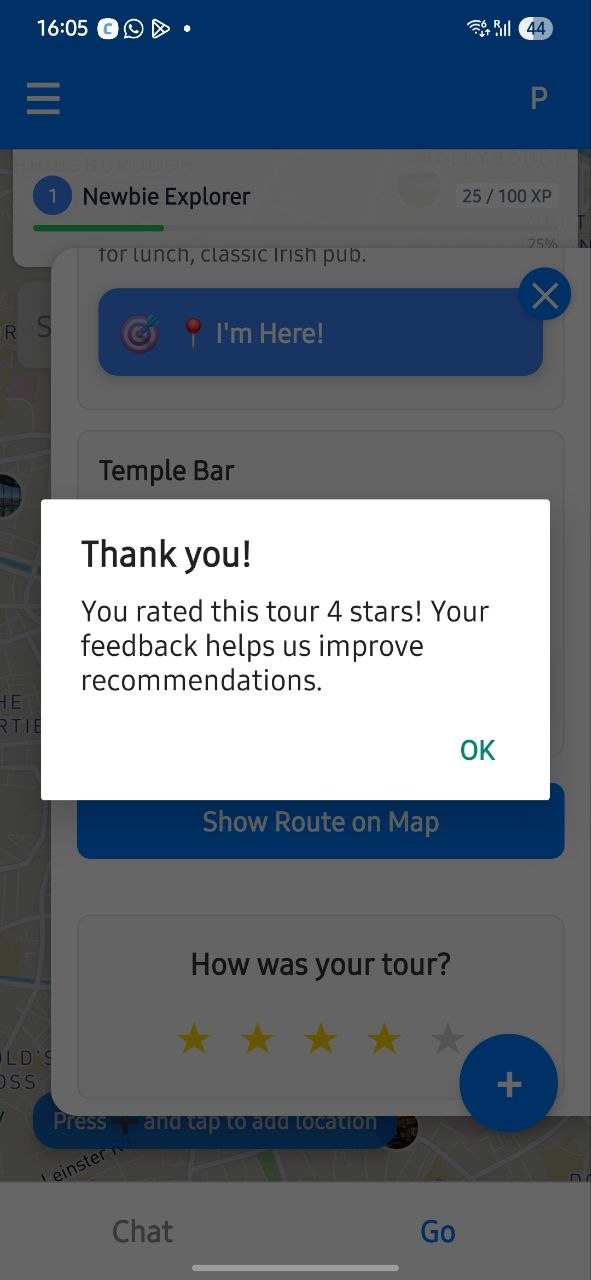
Leave feedback
Your feedback is valuable and helps improve the service over time.